
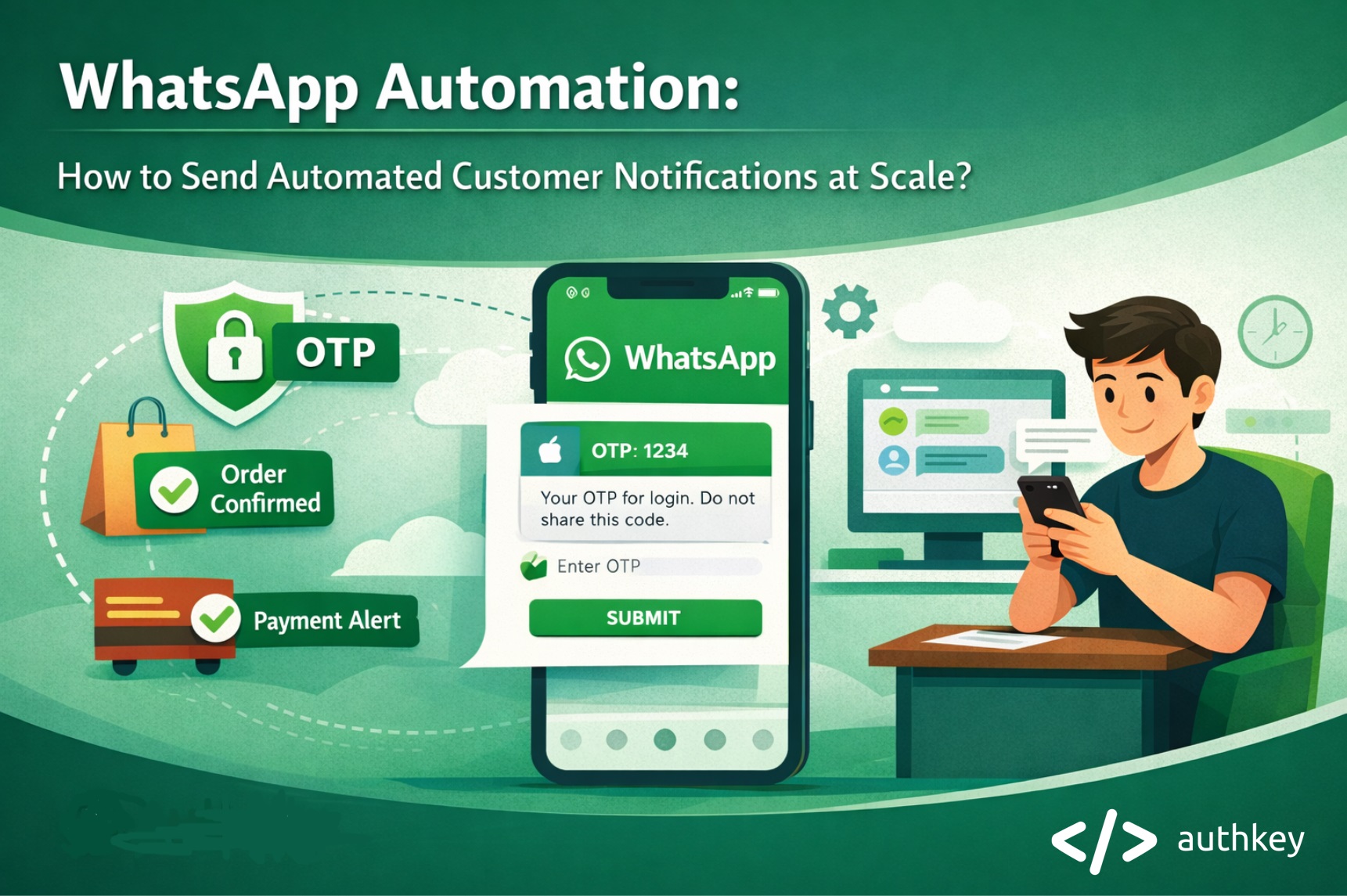
Have you ever gone a day without using WhatsApp? The answer is likely no. WhatsApp has become an essential part of real-time communication with friends and family. Today, businesses are also using WhatsApp to communicate with customers for sending OTPs, alerts, order confirmations and more.
Customers now expect real-time notifications for every important interaction, such as order confirmations, payment updates, OTPs and delivery alerts.
Critical messages like OTPs, delivery confirmations and support updates must be delivered instantly. Delayed or missed notifications can lead to frustration, poor user experience and loss of trust.
As a result, instant message delivery has become a growing demand in business communication. This has made WhatsApp the preferred channel for customer notification automation, due to its high open rates, instant delivery and secure messaging environment.
By leveraging WhatsApp automation, businesses can send customer notifications effortlessly. Messages are triggered automatically from internal systems without manual effort, ensuring reliability, compliance and a seamless customer experience.
What Is WhatsApp Automation?
WhatsApp automation is the process of instantly sending messages to customers based on their actions, without any human intervention. These messages are automatically triggered through the WhatsApp Business API, which is integrated into a business’s backend systems.
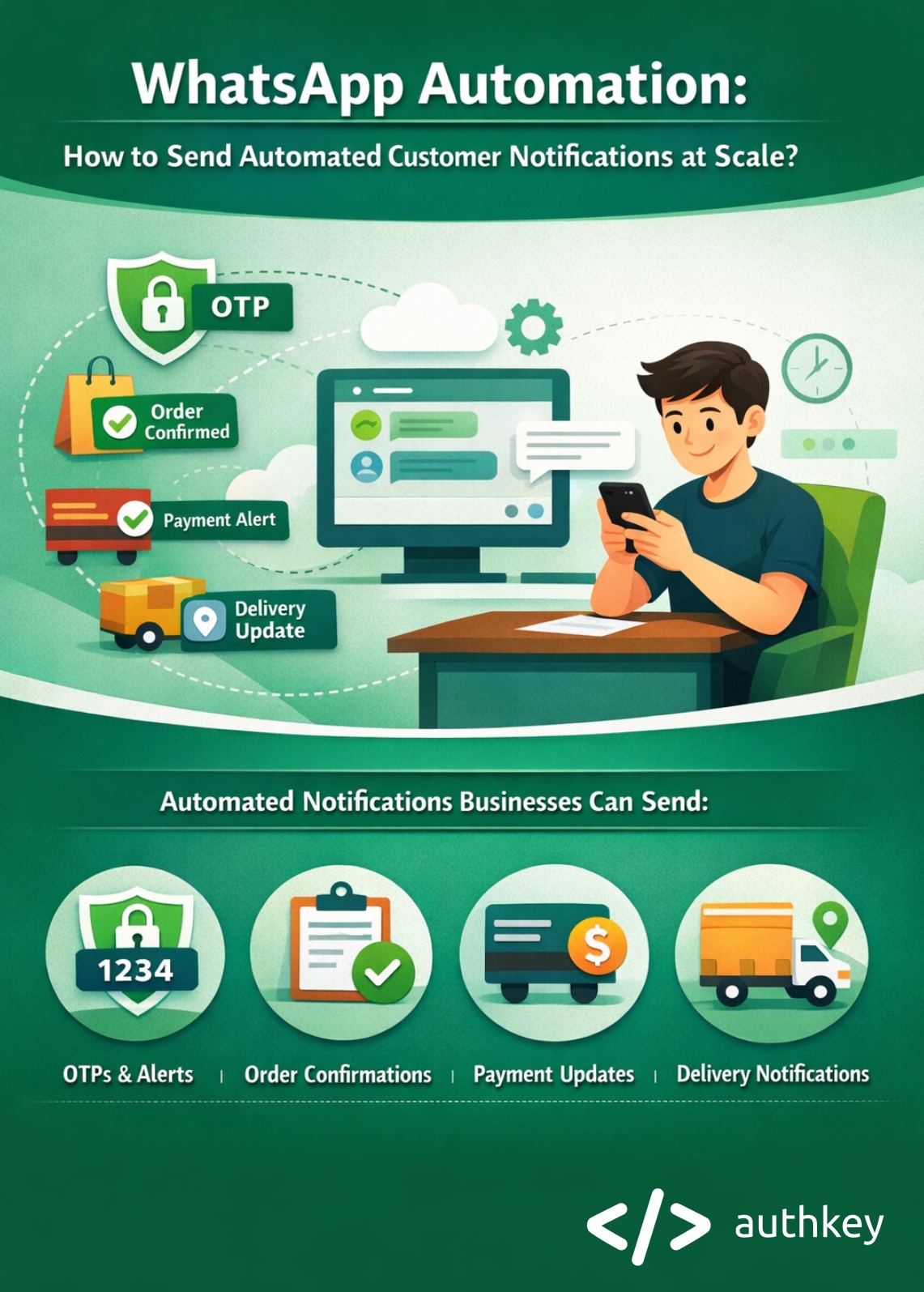
Using WhatsApp automation messages, businesses can deliver real-time notifications such as OTPs, order updates, payment alerts and appointment reminders.
Businesses can use automation to deliver timely notifications such as OTPs, order updates, payment alerts and appointment reminders in real time.
Read more: WhatsApp AI Bot: The Complete Guide
Role of WhatsApp Business API
The WhatsApp Business API plays a vital role in enabling WhatsApp transactional messages for businesses. The WhatsApp API is designed for programmatic, system-driven communication, allowing messages to be sent automatically based on real-time customer actions.
Businesses can integrate WhatsApp capabilities directly into their backend systems such as CRMs, ERPs, payment gateways, ecommerce platforms and authentication services.
This integration makes it possible to trigger automated messages instantly for events like user sign-ups, order confirmations, payment success or failure, OTP delivery, shipping updates and appointment reminders without any manual effort.
Additionally, it provides enterprise-grade security, including authenticated API access and encrypted message delivery, which is critical for sensitive transactional communication.
WhatsApp Business API enables businesses to scale automation reliably, monitor performance and deliver a consistent, trusted customer experience across all touchpoints.
Read More: The Ultimate Guide to RCS Business Messaging in India (2025 Edition)
Why Use WhatsApp for Automated Customer Notifications?
WhatsApp is one of the most effective channels for sending automated customer notifications because people check it constantly. Messages sent on WhatsApp have very high open and read rates, which means important updates are seen quickly instead of getting ignored like emails or missed like SMS.
For time-sensitive messages such as OTPs, payment confirmations and delivery updates, WhatsApp delivers messages almost instantly. This helps businesses keep customers informed at the right moment and avoid confusion or delays.
WhatsApp also offers end-to-end encryption, so messages stay private and secure. This makes it a trusted channel for sending sensitive information like verification codes and account alerts.
Compared to SMS and email, WhatsApp creates better engagement. Customers can easily read, reply, or click links, making communication faster, clearer and more effective for both businesses and users.
Read More: WhatsApp Marketing Explained: WhatsApp Onboarding, Template Creation and Launch Campaign.
Types of Customer Notifications You Can Automate on WhatsApp
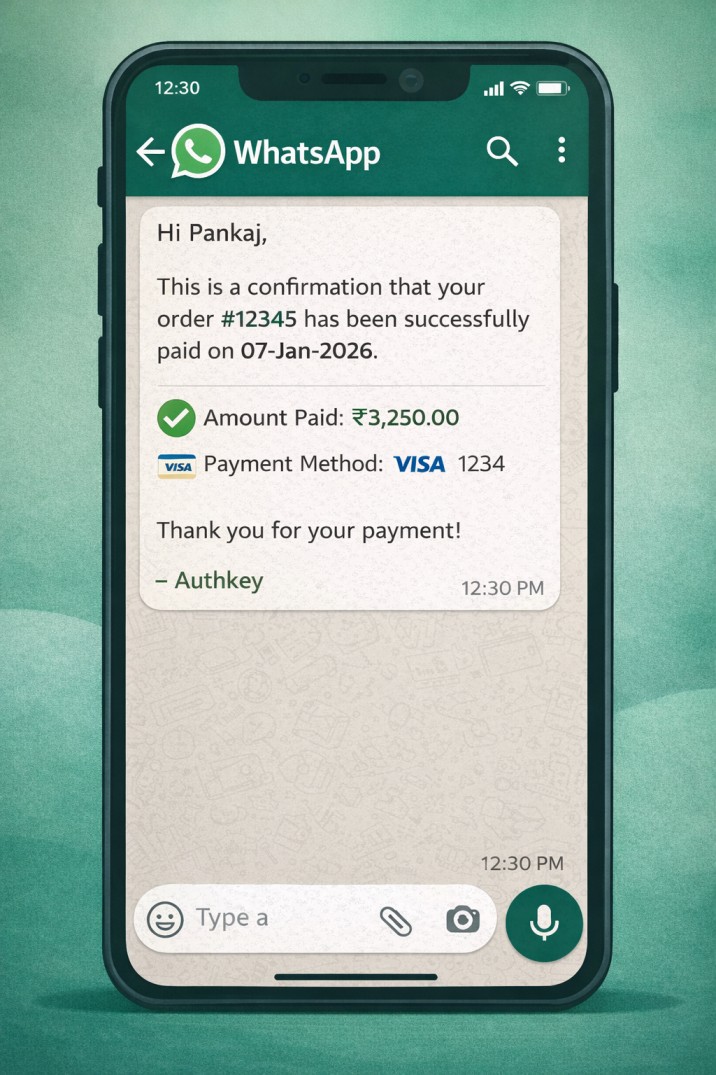
Order Confirmations & Updates
Instantly inform customers when an order is placed, confirmed, updated, canceled, or delivered, helping build trust and reduce support queries.
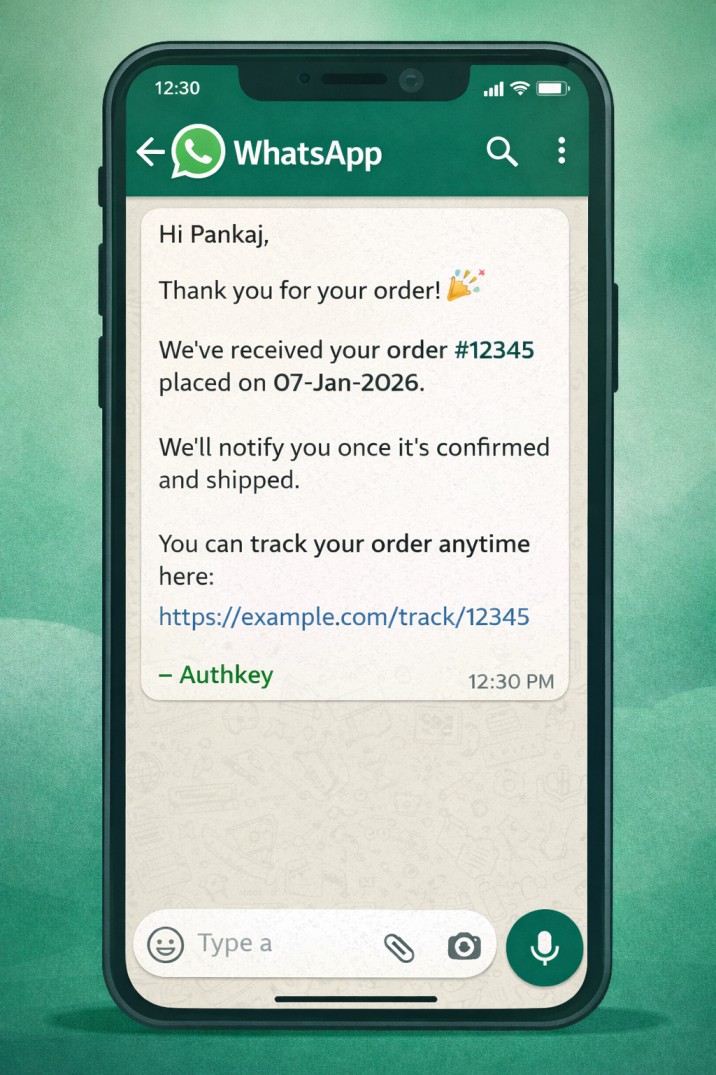
Payment Success & Failure Alerts
Automatically notify customers about successful payments, failed transactions, refunds and pending payments to ensure transparency.
OTPs & Authentication Messages
Send secure, time-sensitive OTPs and verification codes for logins, registrations and password resets with high delivery rates.

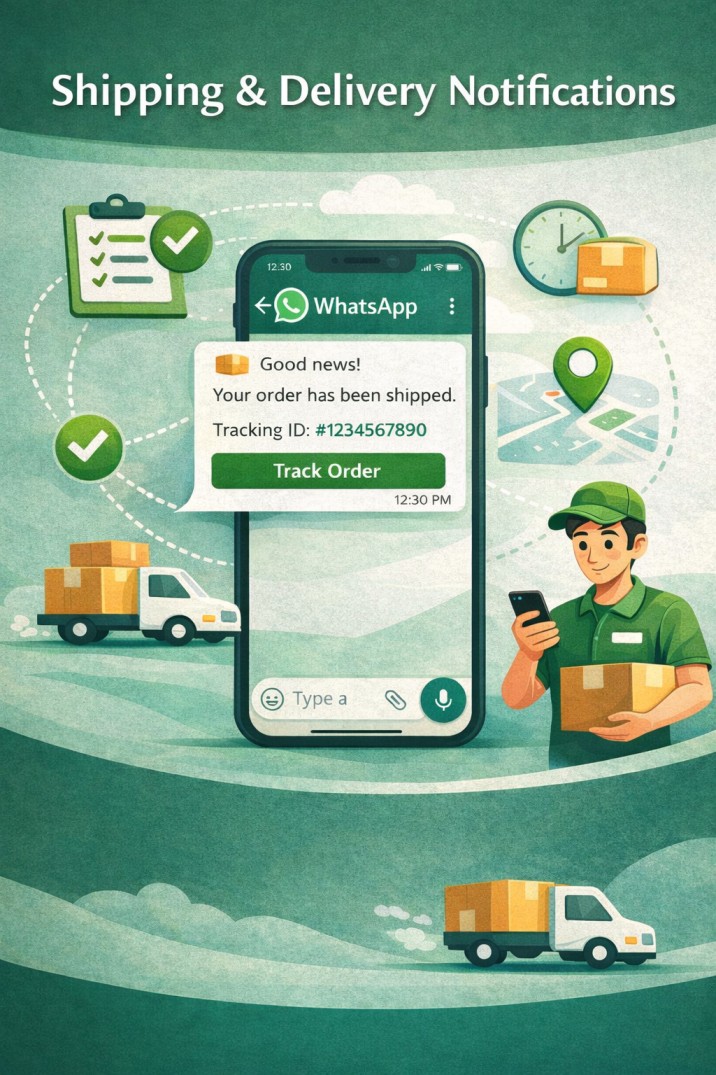
Shipping & Delivery Notifications
Keep customers informed with dispatch alerts, real-time tracking links, delivery status updates and proof of delivery messages.
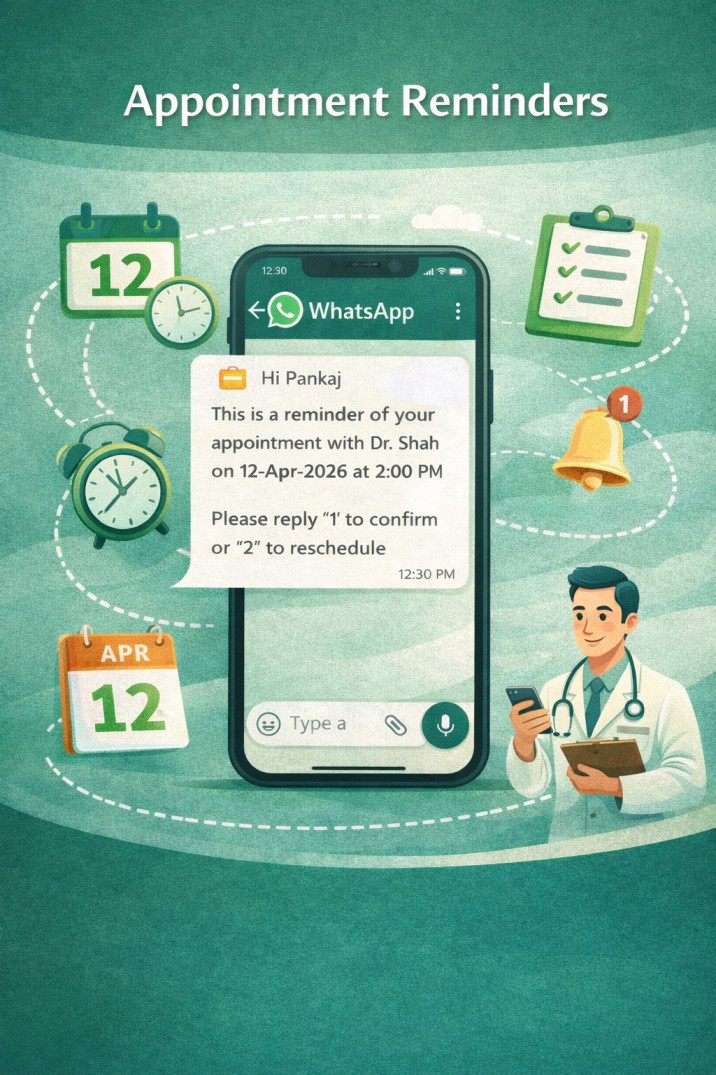
Appointment Reminders
Reduce no-shows by sending automated appointment confirmations, reminders and follow-up messages.
Account Alerts & Service Updates
Share important account-related notifications such as login alerts, policy updates, subscription renewals and service outage notices in real time.

Read More: The Live Chat Widget Revolution in 2025: WhatsApp Chat Button
How WhatsApp Automation Works (Step-by-Step)?
WhatsApp automation follows a simple yet powerful flow that ensures customers receive timely notifications without any manual effort. Here’s how the process works in detail:

Event Triggered in Your System
The automation journey begins when a customer performs an action in your system such as placing an order, completing a payment, signing up for an account, or requesting an OTP. These actions act as triggers that initiate the notification process instantly.
API Call Sent to WhatsApp Business API
Once the event is triggered, your backend system automatically sends an API request to the WhatsApp Business API through Authkey. This happens in real time, there is no delay between the customer action and the message being sent.
Approved Message Template Is Triggered
Authkey then hits a pre-approved, Meta-compliant WhatsApp message template defined in API request. Dynamic variables like customer name, order ID, amount, or OTP are filled in to personalize the message.
Message Delivered Instantly to the Customer
The personalized WhatsApp message is delivered directly to the customer’s WhatsApp App within seconds. This ensures high visibility and immediate attention for important updates.
Optional SMS Fallback for Guaranteed Delivery
If WhatsApp is unavailable or the message is not delivered for any reason, Authkey automatically triggers an SMS fallback. This guarantees delivery of critical messages such as OTPs, payment alerts and security notifications.
Read More: Why is WhatsApp Business API Compulsory for Businesses in 2026?
How to Send Automated WhatsApp Notifications at Scale?
Authkey makes it easy for businesses to send automated WhatsApp notifications at scale using the Official WhatsApp Business API.
With enterprise-grade infrastructure, seamless integrations and built-in automation, Authkey helps you deliver real-time customer notifications reliably without manual effort.
Choose an Official WhatsApp Business API Provider
Select an official provider like Authkey to ensure Meta compliance, secure messaging, approved templates and reliable delivery at scale.
Read More: WhatsApp Business API Onboarding– Embedded Signup: Go Live in just 10 minutes!
Get Approve Message Templates
Send notifications using Meta-approved templates with dynamic variables to personalize messages while staying compliant.
Integrate WhatsApp API into Your Systems
Connect WhatsApp with your CRM, ERP, ecommerce platform, or applications using APIs so messages can be triggered automatically from your backend.
Set Up Automation Rules & Triggers
Define events such as order placement, payment success, sign-up, or OTP requests that automatically trigger the right WhatsApp notification.
Benefits of WhatsApp Automation for Businesses
Automating WhatsApp notifications brings efficiency, reliability and better customer engagement for businesses.
With Authkey, businesses can send real-time updates without manual effort, improve communication speed and ensure important messages reach customers consistently. This not only reduces operational costs but also enhances the overall customer experience, building trust and loyalty.
WhatsApp automation is suitable for businesses of all sizes. Starting from startups to large enterprises, allowing notifications to scale effortlessly as the business grows.
Key benefits include:
Reduced Manual Effort & Operational Costs
Automation eliminates the need for staff to send messages individually, saving time and reducing errors, while Authkey handles the messaging infrastructure reliably.
Faster Customer Communication
Notifications are delivered instantly through WhatsApp, keeping customers informed in real time and improving responsiveness.
Improved Customer Experience & Trust
Timely updates like OTPs, order confirmations and alerts enhance reliability and strengthen customer confidence.
Higher Delivery & Engagement Rates
WhatsApp messages have higher open and read rates compared to emails or SMS, increasing the chances that critical notifications are seen.
Scalable for Startups to Enterprises
Authkey’s platform allows businesses to manage large volumes of notifications efficiently, ensuring seamless communication even during peak traffic.
WhatsApp Automation with SMS Fallback
Even with WhatsApp’s high delivery rates, there can be situations where messages fail to reach customers due to network issues, uninstalled apps, or connectivity problems.
For critical notifications like OTPs, payment alerts and account updates, missed messages can lead to customer frustration and loss of trust. This is where SMS fallback becomes essential for OTPs.
Read More: Is RCS Better Than SMS? Choose RCS or SMS!
How WhatsApp + SMS Fallback Works?
When a WhatsApp message fails to deliver, Authkey automatically triggers an SMS fallback, ensuring the same notification reaches the customer via SMS. This process happens seamlessly and in real time, without any manual intervention, maintaining communication reliability. Learn more on SMS fallback.

Use Cases for Guaranteed Delivery
OTP Verification: Ensures customers can complete login, registration, or payment verification even if WhatsApp is unavailable.
Payment Alerts: Immediate notifications for successful or failed transactions reach customers without delays.
Order & Delivery Updates: Customers receive confirmation and tracking information even during network issues.
Security Alerts & Account Notifications: Critical alerts, like password resets or login activity, are guaranteed to reach customers.
Businesses can deliver critical messages reliably, ensuring a seamless and trustworthy customer experience.
Common Mistakes to Avoid in WhatsApp Automation
WhatsApp automation can greatly improve customer communication, businesses often make mistakes that reduce effectiveness or cause compliance issues. Here are some common pitfalls to avoid:
Using Promotional Content in Transactional Templates
Transactional messages should only contain important updates like OTPs, order confirmations and alerts. Adding promotional content can lead to template rejection or account issues.
Not Getting Proper User Consent
Always ensure customers have opted in to receive notifications. Sending messages without consent can violate WhatsApp policies and local regulations.
Poor Template Structure Causing Rejections
Templates must follow Meta-approved formatting rules. Incorrect placeholders, typos, or unapproved wording can lead to delays or rejection of your templates.
Ignoring Fallback Mechanisms
Not setting up SMS fallback or alternative delivery methods can result in missed notifications, especially for critical alerts like OTPs or payment confirmations.
Avoiding these mistakes ensures smooth, compliant and reliable WhatsApp automation, providing a better experience for both businesses and customers.
Why Choose Authkey for WhatsApp Automation?
Authkey is a trusted partner for businesses looking to automate WhatsApp notifications at scale. Here’s why Authkey stands out:
Official WhatsApp Business API Provider
Authkey provides verified access to the official WhatsApp Business API, ensuring compliance with Meta policies and secure message delivery.
Enterprise-Grade Infrastructure
Built to handle high volumes of messages reliably, Authkey’s platform guarantees fast delivery, real-time tracking and robust performance even during peak traffic.
Multi-Channel Support (WhatsApp, SMS, RCS, Voice, Email)
Beyond WhatsApp, Authkey supports SMS and RCS messaging, including automated SMS fallback, so critical notifications always reach customers.
Easy Onboarding and Fast Integration
Businesses can get started quickly with guided setup, API integration and pre-approved message templates, reducing time to go live and simplifying automation.
With Authkey, businesses can streamline customer communication, improve engagement and ensure timely delivery of all critical notifications.
Conclusion
WhatsApp automation helps businesses send real-time notifications effortlessly, saving time, reducing errors and improving customer experience. By automating messages like OTPs, order updates, payment alerts and delivery confirmations, companies can build trust, boost engagement and scale communication without manual effort.
In today’s fast-paced world, scalable customer communication is crucial for maintaining satisfaction and loyalty. Automated messaging ensures that critical information reaches customers instantly, every time.
Ready to streamline your notifications and improve customer engagement?
Get started with Authkey today and experience reliable, fast and secure WhatsApp automation for your business.