
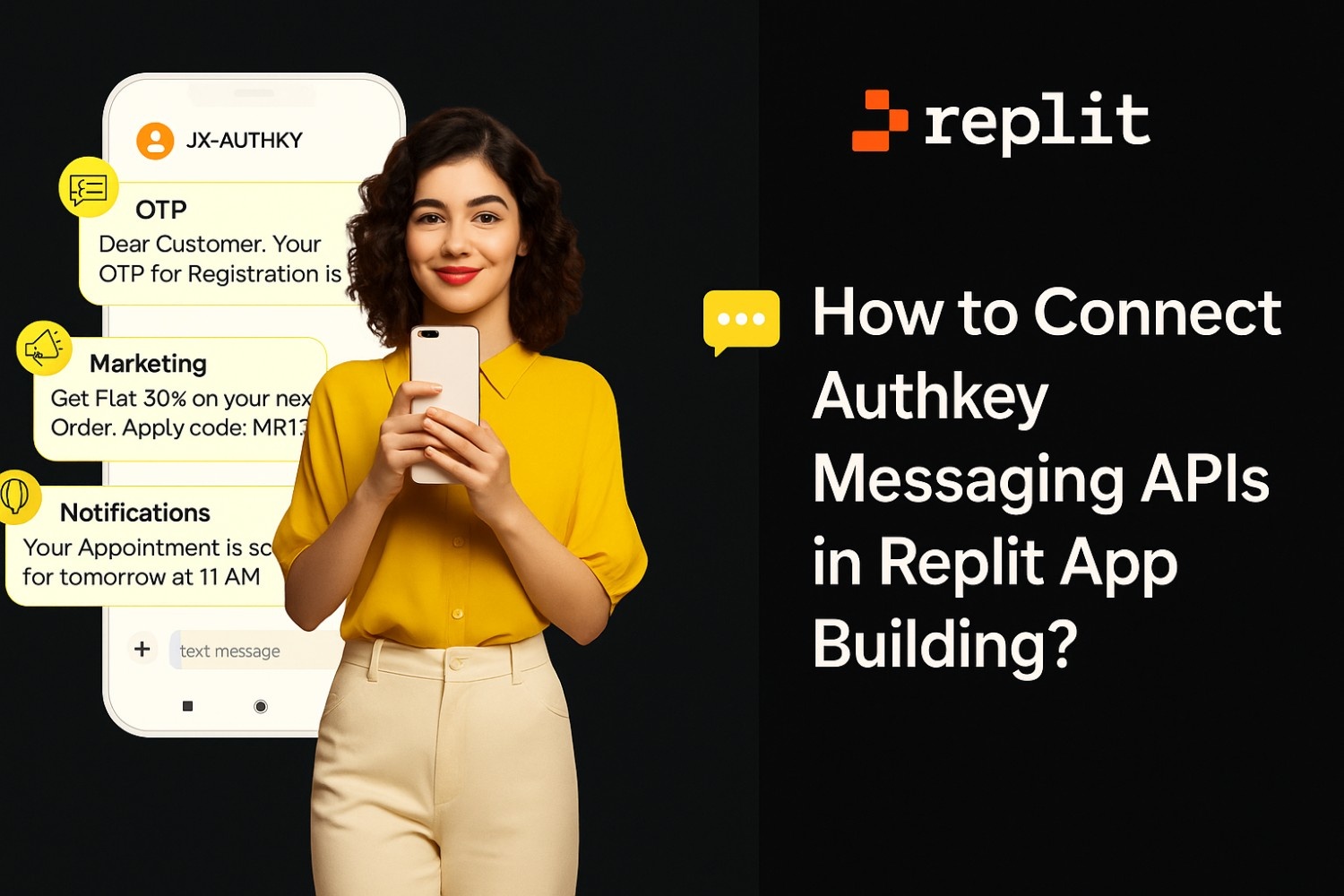
Authkey is a multichannel messaging platform that empowers businesses to communicate seamlessly across multiple channels including SMS, Voice, Email, RCS, and WhatsApp all through powerful API integrations.
Businesses need reliable, scalable, and intelligent communication solutions to stay connected with their customers. Instant and reliable communication is the backbone of every successful business. Businesses can send OTPs, customer updates, or promotional alerts. Authkey makes this easy with its multichannel messaging platform enabling brands to connect with customers through SMS, WhatsApp, Voice, Email and RCS all from one powerful dashboard.
When paired with Replit, an online coding and app-building platform, developers can easily integrate, test and use Authkey APIs directly in their Replit project, without any local setup or server management.
What is Authkey and What Does It Do?
Authkey is a cloud-based communication platform that empowers businesses to connect with their customers seamlessly across multiple communication channels. It provides a powerful suite of APIs for SMS, WhatsApp, RCS, Voice, Email and 2FA (Two-Factor Authentication) all under one integrated platform.
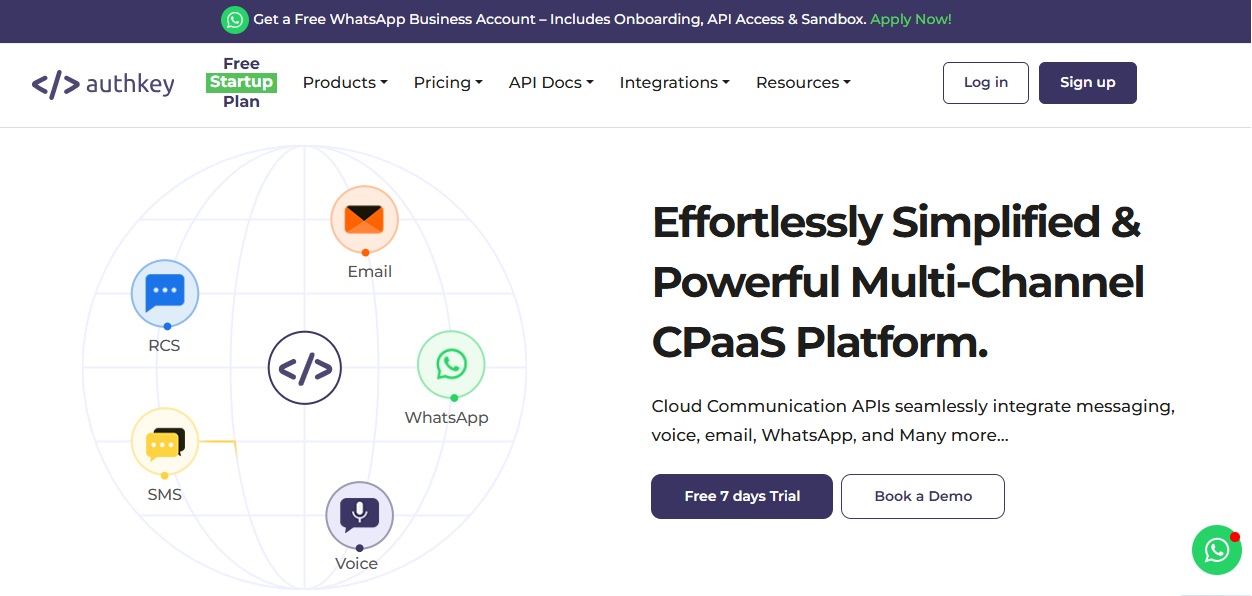
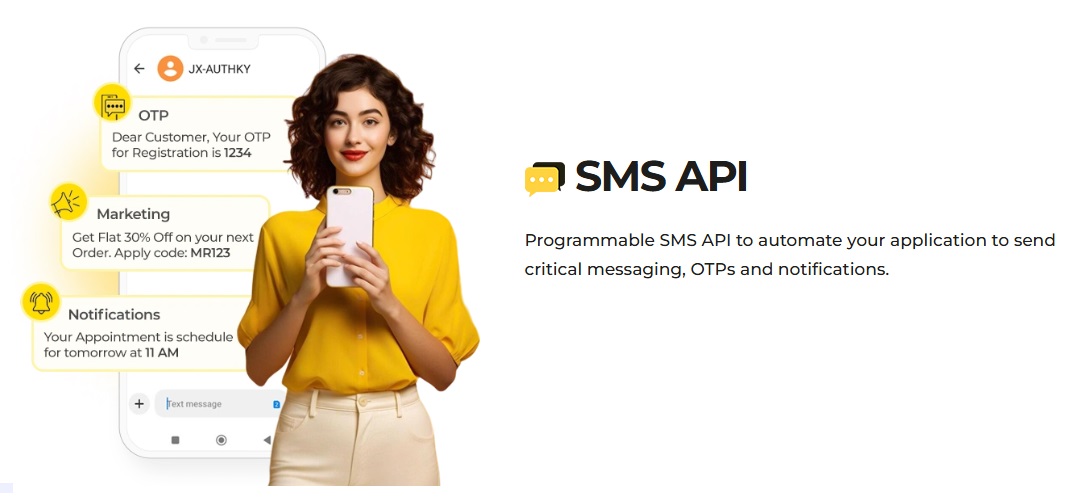
With Authkey’s SMS API, businesses can send both promotional and transactional messages at scale. For example, an e-commerce brand can send flash sale updates or product discounts to its customer base, also delivering instant order confirmations and delivery status alerts after a purchase. Similarly, with Voice APIs, companies can make automated voice calls for appointment reminders, payment confirmations, or feedback collection, ensuring customers never miss critical updates.
The WhatsApp Business API by Authkey takes customer engagement even further. It allows businesses to build AI-powered WhatsApp chatbots that handle real-time conversations, answer FAQs, share catalogs, and route complex queries to human agents. For example, a real estate company can automate property inquiries, while a healthcare clinic can use the chatbot to book appointments or share reports — all through WhatsApp.
For secure access and identity verification, Authkey also offers 2FA and OTP APIs. Banks, fintech apps, and online services use these to authenticate users during logins or transactions with instant one-time passwords delivered via SMS or WhatsApp. Additionally, RCS (Rich Communication Services) and Email APIs enable interactive and branded communication combining images, buttons, and links for a modern customer experience.
Authkey simplifies communication for businesses by providing a single API ecosystem to send messages, voice calls, or verifications globally. Instead of managing multiple providers, businesses can handle all their communication workflows from one place faster, smarter, and more securely.
What is Replit and How to Use It?
Replit is an online IDE (Integrated Development Environment) that allows you to code, test, and deploy apps instantly. You don’t need to install any software or configure complex environments.
It supports multiple programming languages like Python, JavaScript, Node.js and more.
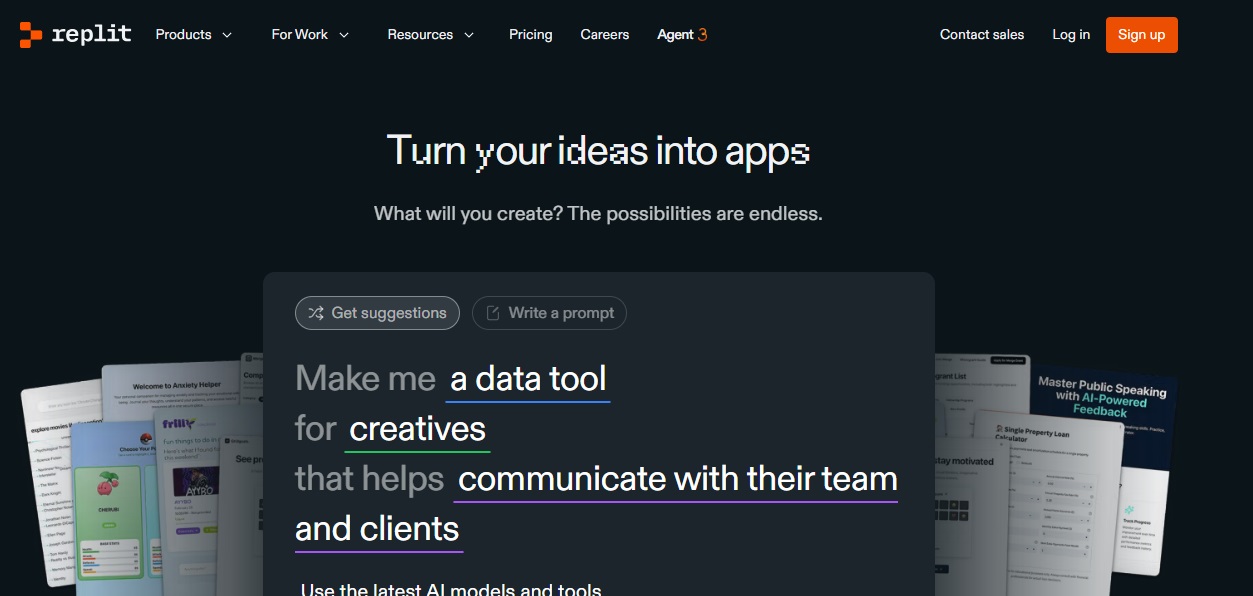
Developers can quickly create projects (“Repls”), collaborate in real-time and host live applications with built-in deployment tools.
How Are Authkey APIs Useful?
Authkey’s APIs serve diverse communication needs across industries:
- SMS API – For sending OTPs, offers, or alerts instantly.
- WhatsApp API – To build chatbots, automate support, and drive marketing campaigns.
- Voice API – For IVR calls, voice OTPs, and customer service automation.
- RCS Messaging API – To deliver rich, branded messages with images, buttons, and logos.
These APIs empower developers to automate business workflows, trigger real-time messages, and maintain customer engagement with minimal effort.
How to Connect Authkey Messaging APIs in Replit
Here’s how you can integrate Authkey APIs in a Replit project:
- Create an Authkey Account
Sign up at Authkey.io and generate your API Key from the dashboard. - Create a New Repl Project
Visit Replit.com, create a new Repl (preferably in Node.js or Python), and open the coding environment.
For Sending SMS
To send SMS messages through Authkey, you’ll need a few prerequisites before integrating the API into your application. First, ensure that you have your Authkey authentication key, which acts as your API access credential. This key securely identifies your account whenever you make API requests.
Next, as per TRAI (Telecom Regulatory Authority of India) regulations, all businesses must complete DLT registration (Distributed Ledger Technology) to send SMS campaigns in India. DLT registration ensures compliance and prevents spam by verifying sender identities and message templates.
Once registered, you’ll need to get your message templates approved on the DLT platform. Each template receives a unique Template ID that must be used in your API requests.
After completing these steps, you can easily send both promotional and transactional SMS messages using Authkey’s SMS API. The API endpoint follows a simple structure:
Here’s how it works:
- authkey – Your unique authentication key provided by Authkey.
- mobile – Recipient’s mobile number where the SMS will be sent.
- country_code – Country code of the recipient (e.g., 91 for India).
- sid – Sender ID registered under your DLT account.
- name and otp – Dynamic parameters you can customize (e.g., customer name, OTP value).
For example, if you want to send an OTP message to a user named Twinkle in India, your API request will look like this:
Once executed, Authkey’s system will instantly deliver the SMS to the user’s phone, complete with your approved sender ID and template message.
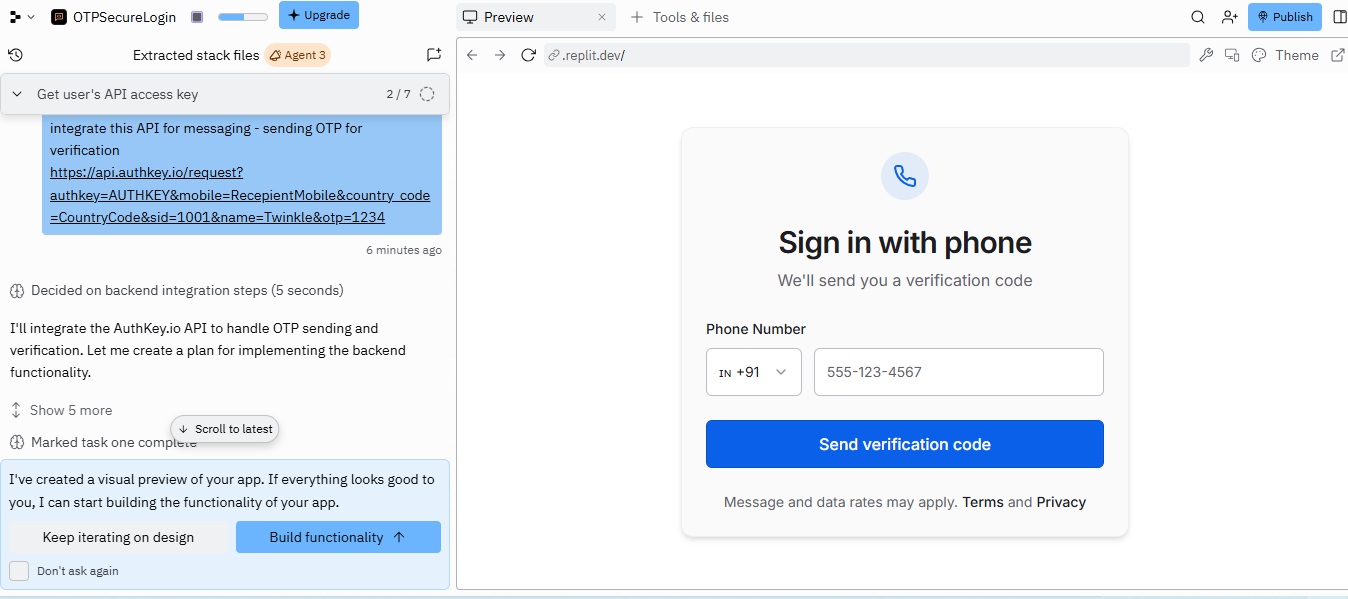
Replit Demo App using Authkey SMS API
A demo Replit application integrated with Authkey’s SMS OTP API to send secure authentication codes during user login.
This project showcases how developers can easily connect Authkey’s programmable SMS API with a Replit-built web or mobile app to implement Two-Factor Authentication (2FA).
When a user attempts to log in, the app generates an OTP and triggers an API request to Authkey — instantly delivering the OTP to the user’s registered mobile number for verification.
For Sending WhatsApp Messages
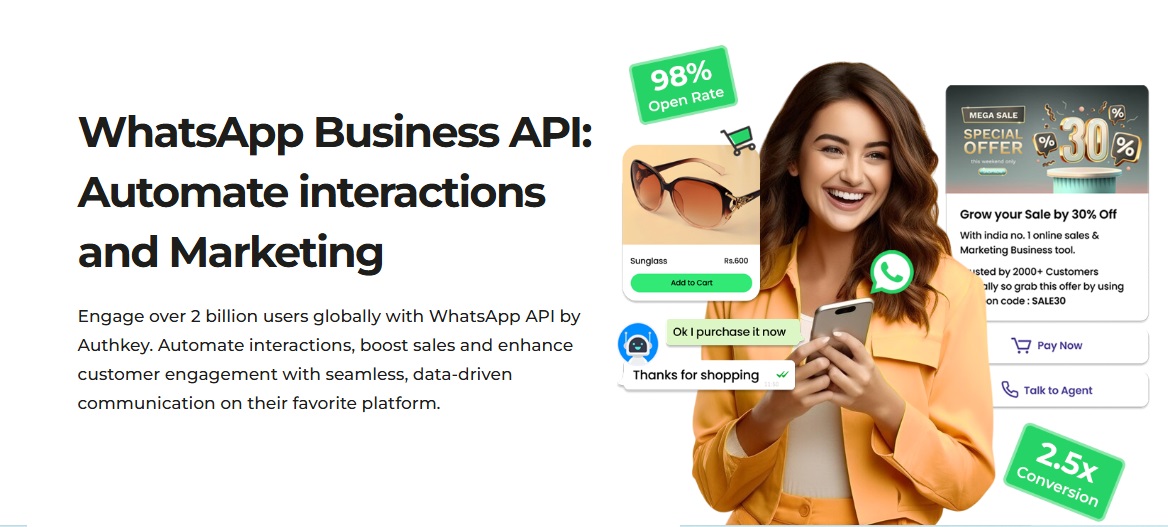
Authkey’s WhatsApp Business API allows businesses to send messages, notifications, OTPs, and promotional content directly on WhatsApp — all through a simple API call. You can easily automate customer interactions, share updates, or trigger transactional messages from your application.
Before sending, ensure you have:
- A verified WhatsApp Business API account with Authkey.
- Pre-approved message templates for compliance.
- A valid Authkey for authentication.
API Endpoint:
Parameters:
- authkey – Your API authentication key
- mobile – Recipient’s WhatsApp number
- country_code – Recipient’s country code (e.g., 91 for India)
- wid – WhatsApp template ID
- name and otp – Dynamic values (placeholders) for the message
Example:
This API will instantly trigger a WhatsApp message to the customer using your approved template — perfect for OTPs, order updates, reminders, or promotional alerts.
Sending Voice Messages via Authkey API
Authkey’s Voice API lets businesses deliver automated voice calls for OTPs, alerts, and notifications — ideal for secure authentication, customer reminders, or emergency alerts. You can instantly trigger a voice call with a pre-recorded or dynamic text-to-speech message.

API Endpoint Example:
https://api.authkey.io/request?authkey=AUTHKEY&mobile=RecipientMobile&country_code=CountryCode&voice=Hello, your OTP is 1234
Parameters Explained:
- authkey → Your unique Authkey API key.
- mobile → Recipient’s phone number.
- country_code → Country code (e.g., 91 for India).
- voice → The message text to be converted into speech.
Example Use Case:
Deliver OTPs, appointment reminders, or payment alerts instantly through automated voice calls — no manual dialing required.
Authkey’s Voice API helps businesses reach customers even when SMS or WhatsApp isn’t available, ensuring reliable communication every time.
Sending Email via Authkey API
Authkey’s Email API enables businesses to send transactional, promotional, and verification emails directly through API calls — perfect for automating order confirmations, OTP delivery, or personalized marketing campaigns.
API Endpoint Example:
https://api.authkey.io/request?authkey=AUTHKEY&email=RecipientEmail&mid=1001&name=Twinkle&otp=1234
Parameters Explained:
- authkey → Your unique Authkey API key.
- email → Recipient’s email address.
- mid → Message or template ID.
- name → Recipient name (for personalization).
- otp → Dynamic variable or custom data (like OTP or reference code).
Example Use Case:
Send automated OTPs, welcome emails, invoices, or promotional offers right from your app using a single API request.
Authkey’s Email API helps businesses streamline email communication with reliable delivery, personalization, and real-time tracking — all from one unified platform.
Benefits of Connecting Authkey APIs

1. Unified Communication Platform
Manage SMS, WhatsApp, Email, Voice, and RCS — all through a single API. No more switching between multiple providers or dashboards.
2. Simple and Fast Integration
Authkey APIs are developer-friendly, with clear documentation, ready-to-use examples, and Postman collections. You can integrate in just a few minutes.
3. Real-Time Communication
Deliver instant OTPs, alerts, or notifications across multiple channels with lightning-fast speed and guaranteed delivery.
4. 24/7 Reliability and Scalability
Authkey’s cloud-based infrastructure ensures 99.9% uptime, enabling you to send millions of messages daily without performance issues.
5. Global Reach
Communicate with customers anywhere in the world using verified messaging routes, regional language support, and compliance with local regulations.
6. Personalization Made Easy
Send customized messages with names, OTPs, and offers using dynamic templates to boost engagement and conversions.
7. Secure and Compliant
Authkey APIs are DLT-compliant, GDPR-ready, and HTTPS-encrypted, ensuring end-to-end data security for your business communication.
8. Onboarding Assistance
Authkey helps you simplify complex setup processes such as DLT registration, WhatsApp onboarding, and RCS registration. A dedicated account manager is assigned to guide you through every step and assist in any scenario.
9. Cost-Efficient Messaging
Transparent and affordable pricing — pay only for what you use, with no hidden or setup charges.
10. Analytics and Delivery Reports
Gain access to real-time delivery insights, performance data, and reports to improve message effectiveness and ROI.
11. Scales with Your Business
Whether you’re a startup or enterprise, Authkey grows with you — supporting use cases like marketing campaigns, transactional alerts, 2FA, and chatbot automation.
Conclusion
Integrating Authkey Messaging APIs in Replit is a game-changer for developers and businesses looking to simplify and scale communication. With Authkey’s unified platform, you can send SMS, WhatsApp messages, Voice calls, Emails, and RCS messages effortlessly through a single, secure API ecosystem. Whether it’s sending OTPs, transactional alerts, or launching promotional campaigns, everything can be automated, personalized, and delivered instantly.
Replit makes the process even smoother by allowing you to code, test, and deploy APIs online without any setup or server management. You can quickly prototype real-world use cases — from WhatsApp chatbots to automated voice alerts — directly within your browser.
Beyond technology, Authkey’s dedicated onboarding support, including help with DLT registration, WhatsApp onboarding, and RCS setup, ensures a hassle-free start for every business. Combined with real-time analytics, scalability, and global reach, Authkey empowers developers to build modern communication systems that deliver both reliability and results.
In short, if you’re looking to connect your app to your audience seamlessly, Authkey and Replit together offer the perfect blend of simplicity, speed, and power. Start building smarter communication workflows today — and experience how easy business messaging can truly be with Authkey APIs.